Call Parking Slots
Overview
Call parking slots are dedicated extension numbers that allow users to place an active call on hold and retrieve it from any phone in the Cloud PBX. A caller parks a call by transferring it to the slot number; any other user can then pick it up by dialling the same slot number.
Navigate to Cloud PBX → Call parking slots.
Call Parking Slots List
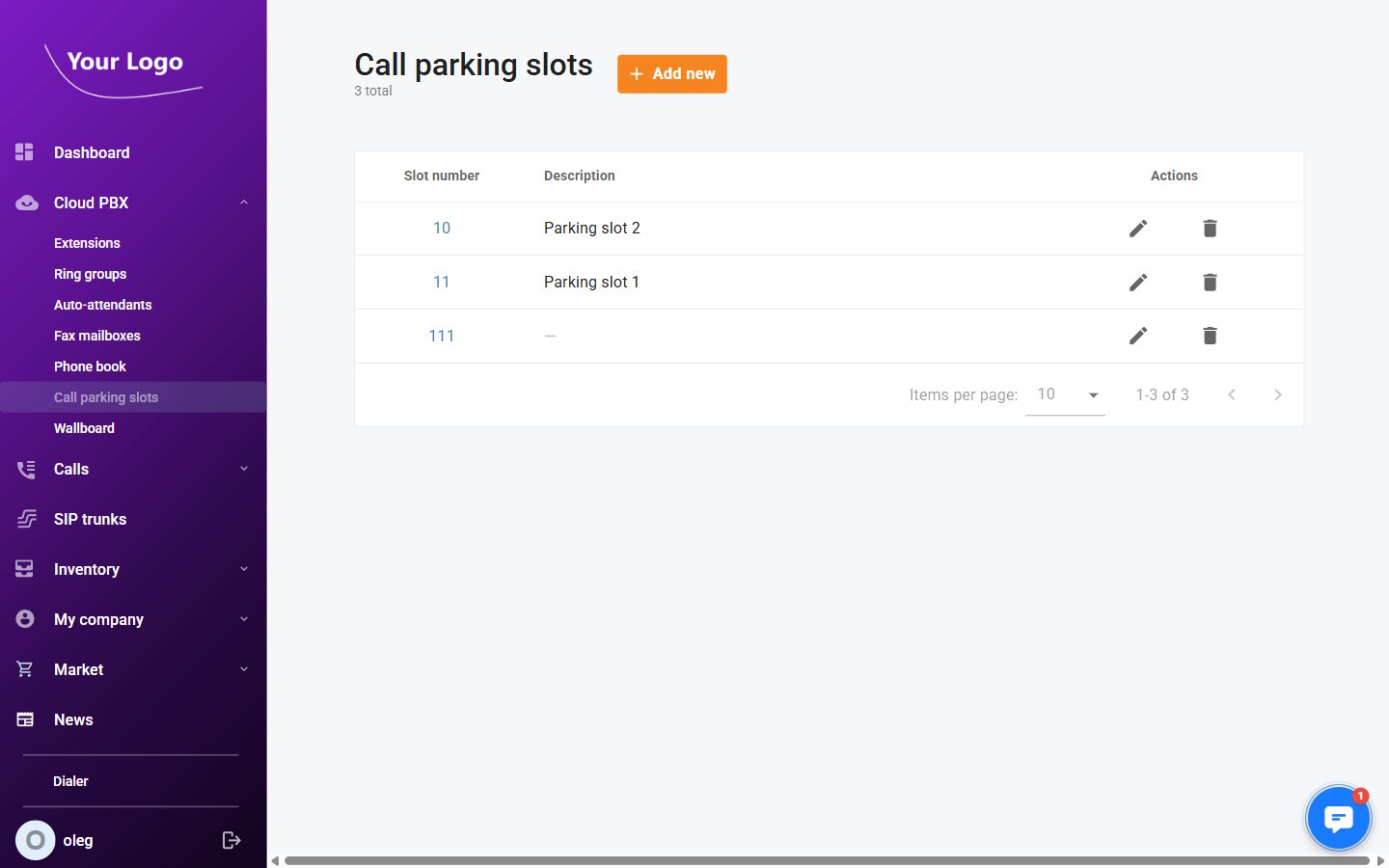
The list shows all configured parking slots.
| Column | Description |
|---|---|
| Slot number | The extension number dialled to park or retrieve a call. |
| Description | An optional label to identify the slot (e.g. its location or purpose). |
| Actions | Edit (✏️) – modify the slot; Delete – remove the slot. |
Click + Add new to create a parking slot.
Adding a Call Parking Slot
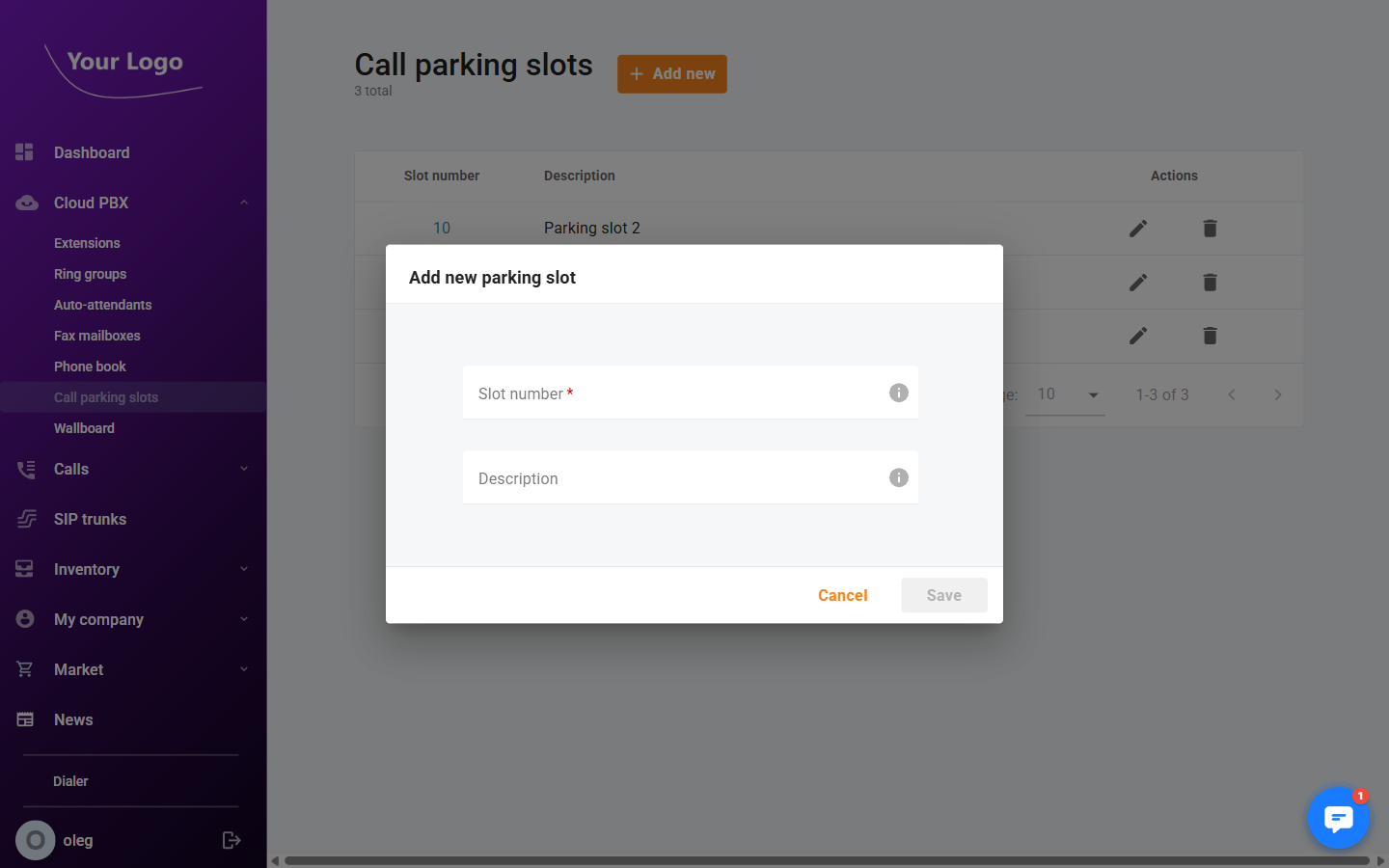
| Field | Description |
|---|---|
| Slot number* | The extension number users dial to park or retrieve a call on this slot. |
| Description | An optional free-text label for the slot. |
Fill in the required fields and click Save.
Editing a Call Parking Slot
Click the Edit icon (✏️) next to a slot to update its number or description, then click Save.