Company Info
Overview
Company Info stores the contact and address details for your organisation as registered with the service provider. This information may appear on invoices and other correspondence.
Navigate to My company → Company info.
If your organisation has branch offices, the page shows two tabs: Main (HQ) and Branch (Site). If there are no branches, all fields appear on a single form.
Main (HQ) Tab
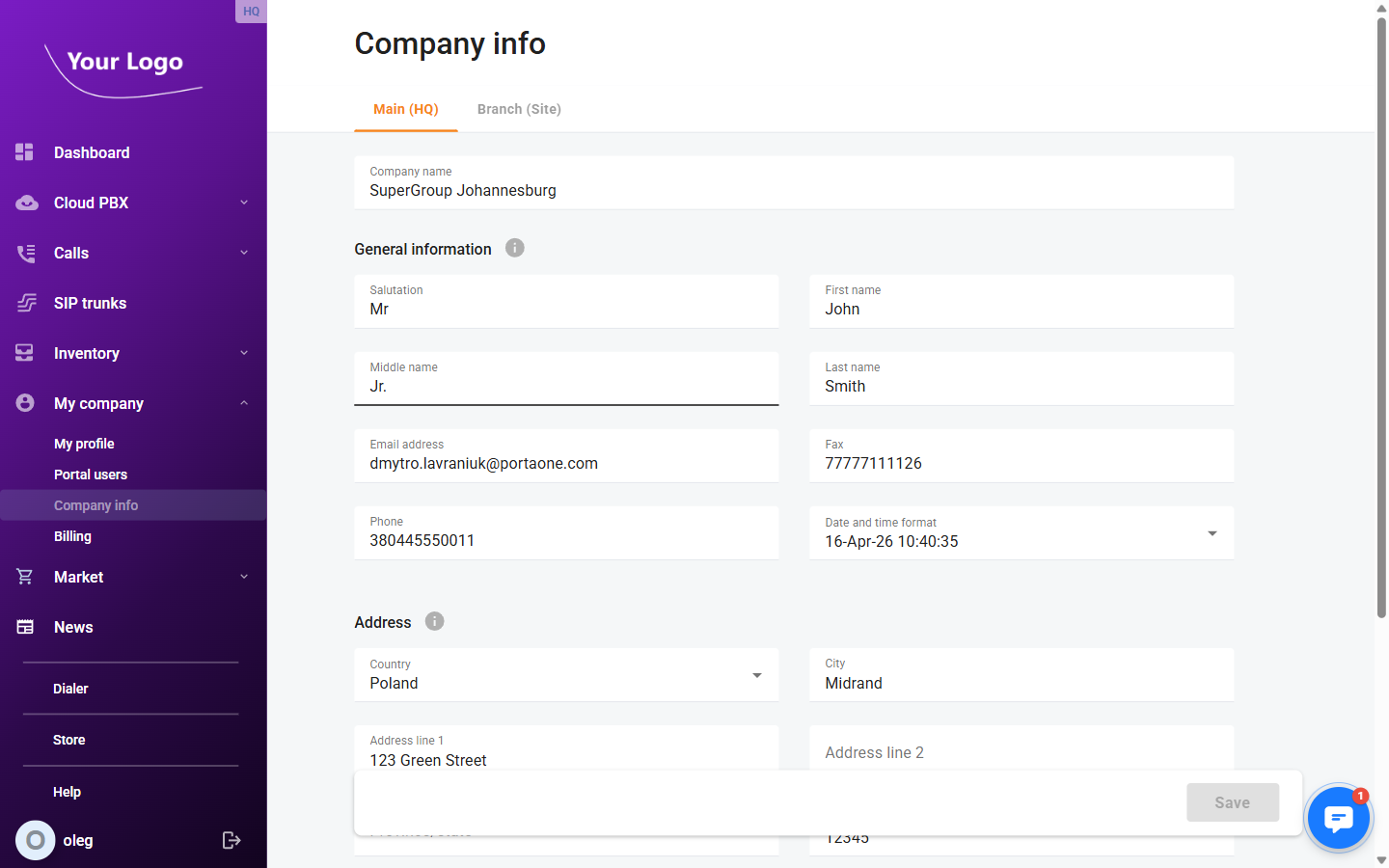
Company Name
| Field | Description |
|---|---|
| Company name | The registered name of your organisation. |
General Information
| Field | Description |
|---|---|
| Salutation | Title or salutation for the primary contact (e.g. Mr, Ms, Dr). |
| First name | First name of the primary contact person. |
| Middle name | Middle name or initial of the primary contact (optional). |
| Last name | Last name of the primary contact person. |
| Email address | Contact email address for the organisation. |
| Fax | Fax number in international format. |
| Phone | Primary phone number in international format. |
| Date and time format | The date/time display format used throughout the portal for this account (e.g. DD-MM-YYYY HH24:MI:SS). |
Address
| Field | Description |
|---|---|
| Country | Country where the organisation is located (dropdown). |
| City | City or town. |
| Address line 1 | Street address, building number, etc. |
| Address line 2 | Additional address details (suite, floor, P.O. box, etc.). Optional. |
| Province/state | Province or state (dropdown, enabled after selecting a country). |
| Postal code | Postal or ZIP code. |
Additional Contact
| Field | Description |
|---|---|
| Contact person | Name of an alternative or secondary contact. |
| Additional phone | Secondary phone number in international format. |
Click Save to apply any changes.
Branch (Site) Tab
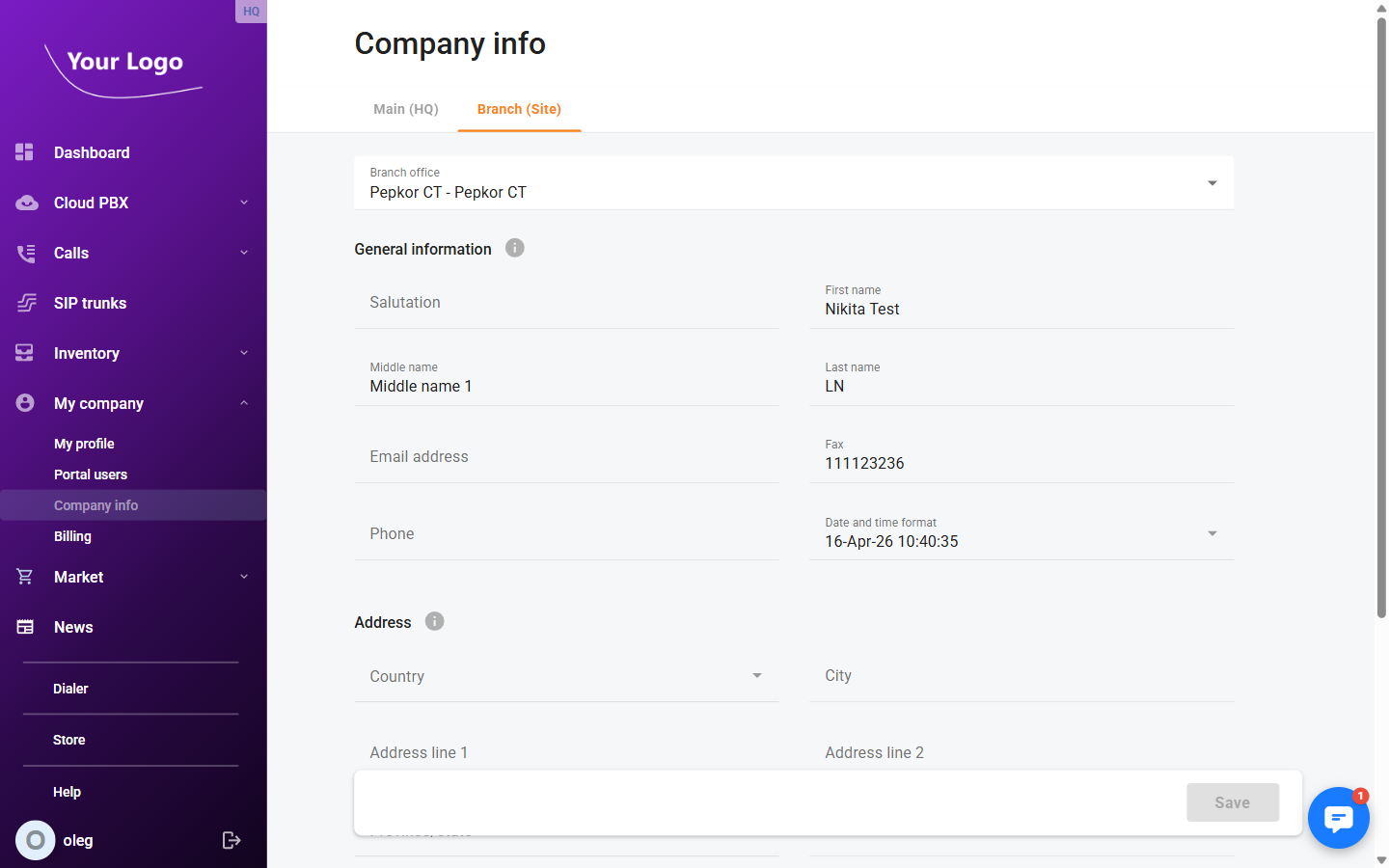
If your Cloud PBX account includes branch offices, the Branch (Site) tab lets you view the contact details for each branch. Select a branch from the dropdown to switch between offices.
note
Branch office details are read-only in the portal. Contact your service provider to update branch information.